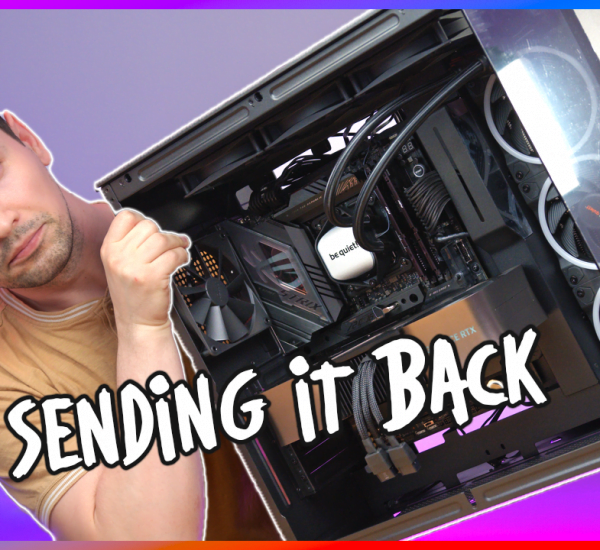
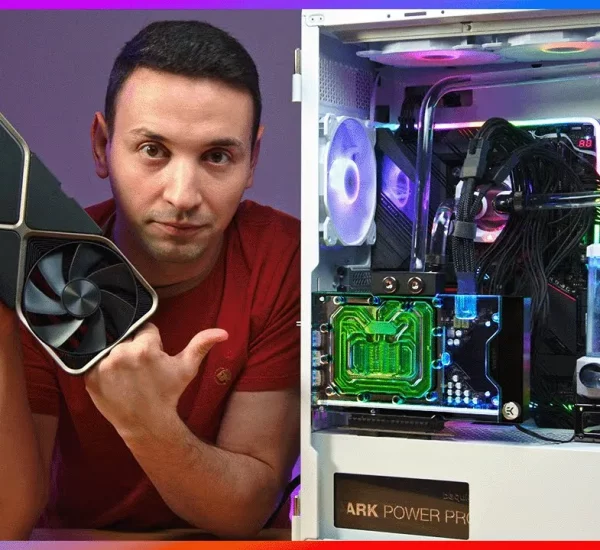
If you’re building a high-end PC right now and looking for a clean all-in-one liquid cooler with a customizable screen, be quiet! just entered the chat with their first-ever display cooler: the be quiet! Light Loop IO LCD.
I got my hands on the 360mm All-White version (it also comes in Black, as well as a 240mm size) and put it to the test on an AMD Ryzen 9 9950X3D running at stock settings with no PBO limits. While the physical hardware and cable management are easily some of the cleanest I’ve worked with, the software side left me with mixed feelings. Here is my full hands-on breakdown.
Hardware, Aesthetics & That 2.1-Inch IPS Screen
Right out of the box, one thing I immediately love about the white version is that be quiet! didn’t cut corners on color matching. You get an all-white aluminum radiator, white braided tubing, white cables, and three daisy-chained Light Wings LX 120mm PWM high-speed ARGB fans. Underneath the pump block is a nickel-plated copper cold plate ready for both Intel (1851 / 1700 / 1200 / 115x) and AMD (AM5 / AM4) sockets.
The centerpiece of the cooler is the 2.1-inch IPS display with 500 nits of brightness, surrounded by a diffused ARGB ribbed pump housing. Even in a brightly lit room or surrounded by case RGB, the 500-nit panel is crisp, bright, and easy to read.
Like previous be quiet! liquid coolers, they also included a dedicated coolant refill port near the radiator tubing. You generally only need to top this off every two years—or if you ever hear gargling noises from the pump or notice your CPU temps creeping higher than normal over time.
The Best Feature: Genius Hidden In-Tube Cable Routing
If you hate routing three different cables out of your CPU pump head across your motherboard, you are going to love what be quiet! engineered here.
There is only a single USB Type-C cable coming off the pump unit that plugs into the included IO Controller. As for the fan cable? They actually routed the cable directly through the water tube sleeving. That means you only see one single wire going out to the controller, and the three 120mm Light Wings LX fans simply daisy-chain together. It keeps the motherboard area looking completely spotless.
AMD Ryzen 9 9950X3D Thermal Benchmarks
To see how the 360mm radiator and high-speed fans actually perform under load, I mounted the Light Loop IO LCD onto an AMD Ryzen 9 9950X3D at default settings (no PBO limits enabled).
(Check out the video at the 1:39 timestamp above to see the live thermal benchmark graph and exact CPU temperatures under load).
Physically, the cooling performance and acoustic profile hold up to be quiet!‘s reputation, keeping the 9950X3D well under control without sounding like a jet engine.
The Downside: IO Center Software & Sensor Overlay Limits
While the hardware design is a home run, the IO Center software is where the Light Loop IO LCD currently disappoints a bit.
First, the good news about the software:
- Live ARGB & Screen Previews: You can customize the LED colors on the outer pump housing and see the changes happen live in real time.
- On-Device Media Storage: You can upload custom videos, GIFs, or images and save them directly to the cooler’s internal memory. That means even if you completely exit the IO Center app, your custom display settings stay active.
- Screen Rotation: You can easily flip the LCD orientation in the app depending on how you mount the pump block.
However, there are two frustrating limitations that I really hope be quiet! fixes in a firmware or software update:
- Limited Sensor Overlays: The #1 reason most PC builders buy an LCD cooler is to monitor system stats at a glance. Right now, the overlay customization is very restricted—you can only display 1 or 2 sensor items at a time (like CPU and GPU temp), with very little freedom to rearrange or add more metrics.
- Overcomplicated Cooling Setup: Because the fans and pump run through the IO Controller, fan curves are managed in the app. Unfortunately, the cooling configuration menu is way more complicated than it needs to be, buried under too many options instead of giving you a clean, simple “Cooling Studio” dashboard.
Pros & Cons
Pros:
- Ultra-Clean Cable Management: Routing the cable inside the water tube sleeve + daisy-chain fans leaves zero clutter on the motherboard.
- True All-White Build: White radiator, sleeves, fans, and cables match seamlessly.
- Bright 500-Nit IPS Screen: Sharp 2.1-inch display with on-device memory so you don’t have to keep background software open.
- Strong 9950X3D Cooling & Refillable Loop: Handles high-end CPUs easily and includes a refill port for long-term lifespan.
Cons:
- Restricted LCD Sensor Overlay: Only lets you display 1 or 2 sensor stats at once.
- Clunky Cooling Software UI: Setting up fan and pump profiles in the IO Center app is overly complicated and needs a cleaner layout.
The Verdict
If you care about build aesthetics, silent operation, and having the cleanest possible cable routing inside your case, the be quiet! Light Loop IO LCD hardware is top-tier. The physical cooler and screen look fantastic, and it handles a flagship chip like the AMD 9950X3D without breaking a sweat. Just keep in mind that until be quiet! pushes a software update to expand the LCD sensor overlays and simplify the fan control menu, the software experience trails behind the hardware.